Pawlock & Science · Views:
How to stop doomscrolling without cutting off the news
Give news checking a question, a scheduled time and a stopping point. A practical way to leave the feed while keeping essential updates available.
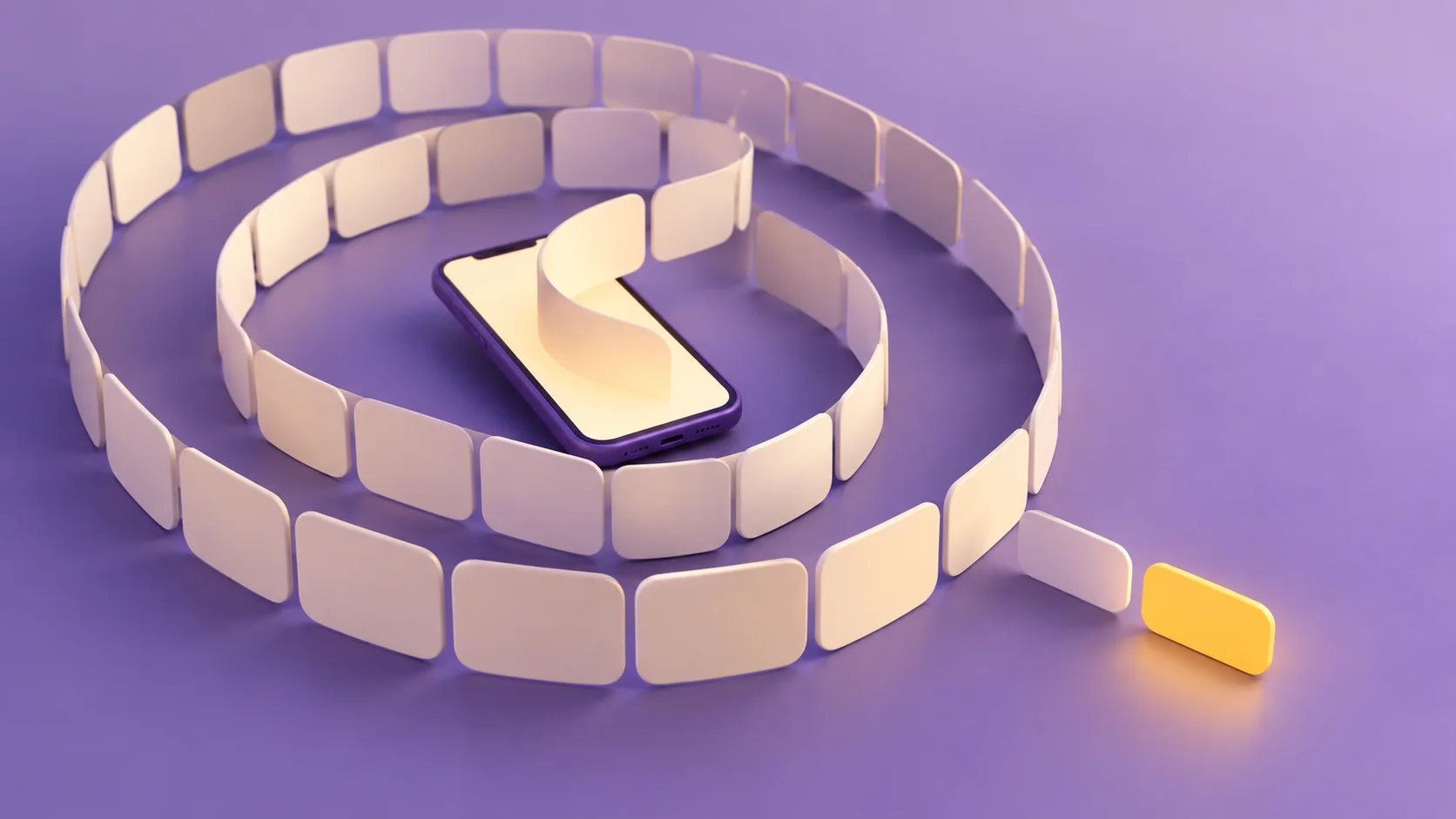
To stop doomscrolling, decide what you need to find out and when you will leave before opening the news. Start with one feed and one part of your day. A clear stopping rule gives you something more practical to try than “use my phone less.”
What counts as doomscrolling?
The term describes repeatedly consuming negative news and finding it hard to stop. It is not a medical diagnosis here, and a long news session may be necessary for your work or safety.
An expert interview at the University of Virginia explains how uncertainty can encourage more information seeking. Ask whether your last check produced useful new information or another pass through the same headlines.
Make the next check finite
- Choose an answerable question. “Will this affect my journey today?” has an endpoint. “What is happening everywhere?” does not.
- Pick a checking window. Ten minutes at lunch is an example to test, not a scientifically optimal dose. Adjust it to your needs.
- Review repeated alerts. Reduce unnecessary news prompts while keeping official emergency alerts and essential contacts available.
- Prepare your next action. Put down the phone, get water or open a book once you have your answer.
What if something important happens?
Separate situations requiring live updates from the urge to refresh commentary. Choose sources and check-in times that match the real need. A comment feed is not a substitute for official alerts.
If you reopen the app, note the trigger: a notification, boredom or an unanswered question. Change one part of the setup next time. For a broader routine, see the digital detox guide.

Check whether your plan helps
For a few days, count unplanned news checks and note whether you stopped when intended. Total screen time alone cannot distinguish necessary research from repeatedly refreshing the same story.
Put your plan into practice with Pawlock
After your planned news check, use Pawlock to block the news and social apps you keep reopening for a set period. Decide when you will check again, and keep essential information sources out of the block.
Frequently asked
Does doomscrolling only happen on social media? No. It can happen in news apps, browsers and message groups. The pattern matters more than the app.
Will an app blocker solve it? A blocker can set an access boundary; it cannot answer the underlying information need. Pawlock can help limit selected apps and sites during chosen periods while you keep necessary news checks in your plan.