Less screen,
more life.
Pawlock locks your distracting apps and websites for you. Stop relying on willpower: build a system that actually holds.
- ✓ Your data never leaves your device
- ✓ No account needed
- ✓ Built on your phone's own system controls
- ✓ No ads

It's not you. It's the design.
The apps stealing your time were built by thousands of engineers with one goal: keep you scrolling. Willpower was never a fair fight.

“Just five minutes”
You open it for a moment. An hour later you're still there, and you don't even remember what you saw.
Deleting doesn't work
You delete the app feeling determined. Two days later it's back on your home screen.
Reminders are ignorable
Screen time warnings and “take a break” popups get dismissed with one tap. You need a lock, not a suggestion.
The math is simple: 4 hours × 365 days = 1,460 hours a year. Count a day as 16 waking hours (the other 8 are sleep) and that's 91 full waking days. Pawlock's statistics show your own number, straight from your device.

On the other side, your life is waiting.
You lose nothing by putting the phone down. You gain back a whole day.
How Pawlock works
Three steps. After that, the system works even when your motivation doesn't.
Choose what distracts you
Pick apps, whole categories, or websites with your phone's own picker. Add any site by typing its address.
Lock now, or on a schedule
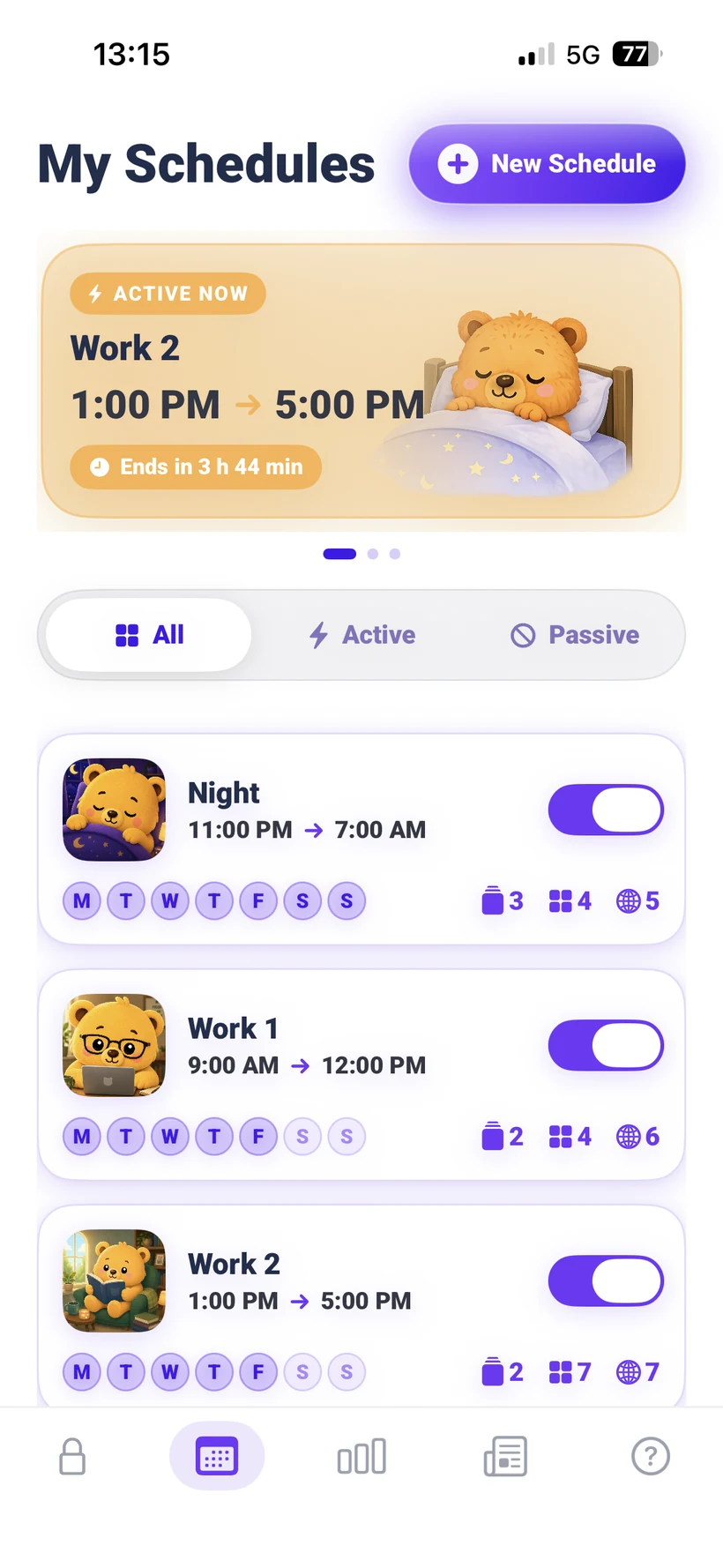
One tap for an instant lock with a timer, or create automatic programs: sleep, study, work. Overnight windows are supported.
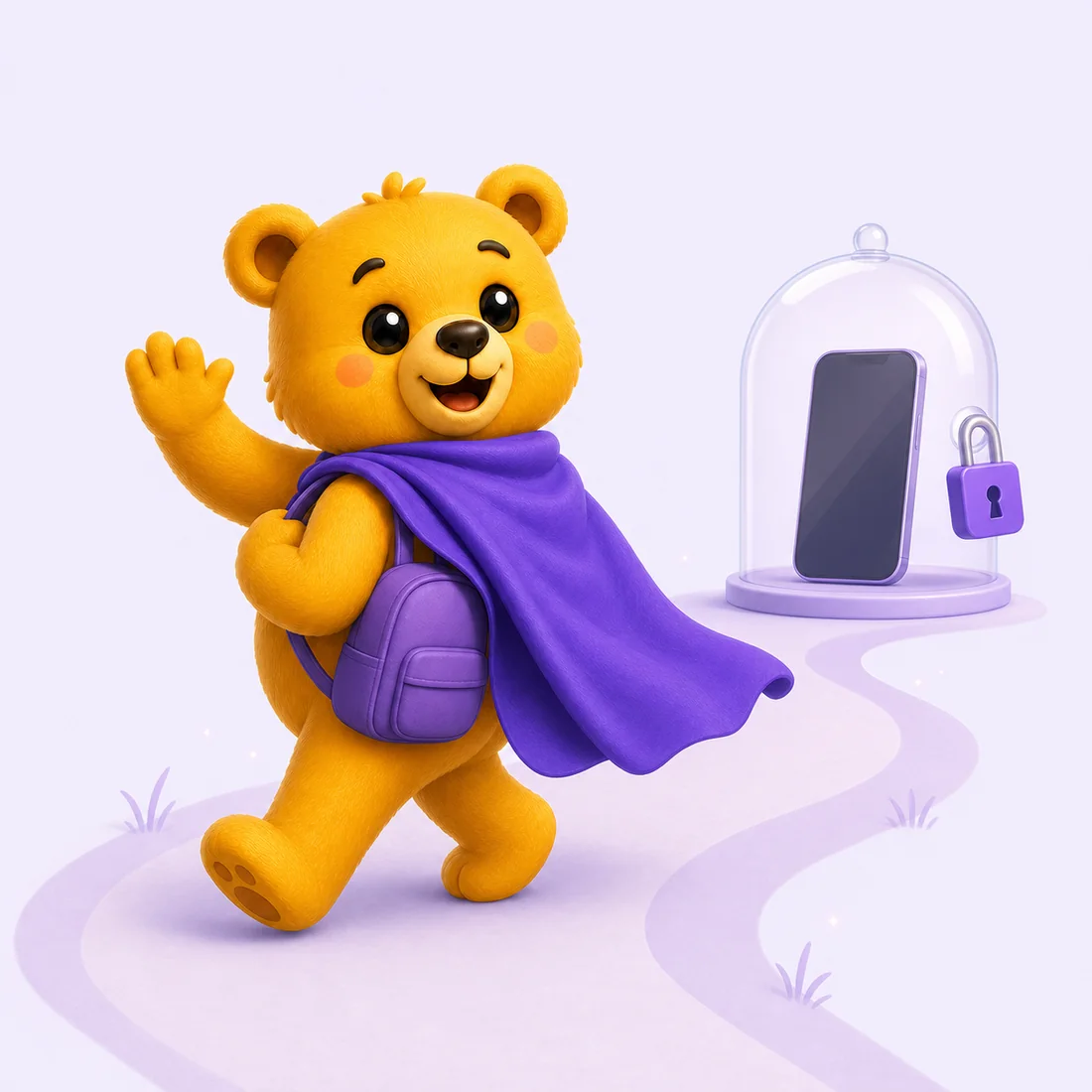
No way back. That's the point.
Once a program starts, it can't be ended early. Pawlock stands guard so you can go live your life.
Everything you need to take your time back
Serious blocking underneath, a friendly face on top.
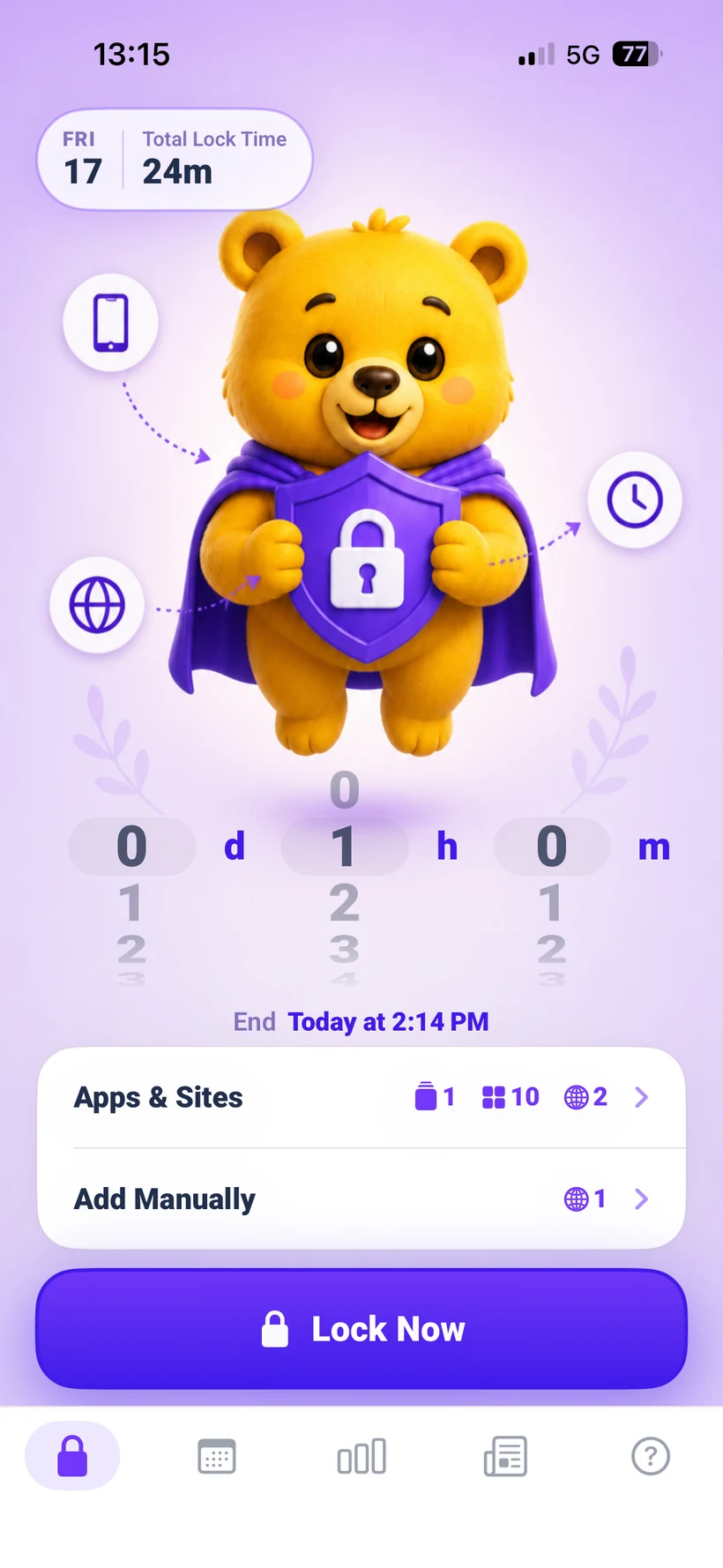
Instant lock
One tap locks your selected apps and sites. Spin the wheel to set days, hours, minutes, and watch the focus countdown.
Personalized program suggestions
Answer a few onboarding questions and Pawlock automatically creates a program suggestion around your habits, goals, and daily routine.
Strict by design
A started program can't be switched off early. The lock that can't be talked out of its job is the one that changes your habits.
Real statistics
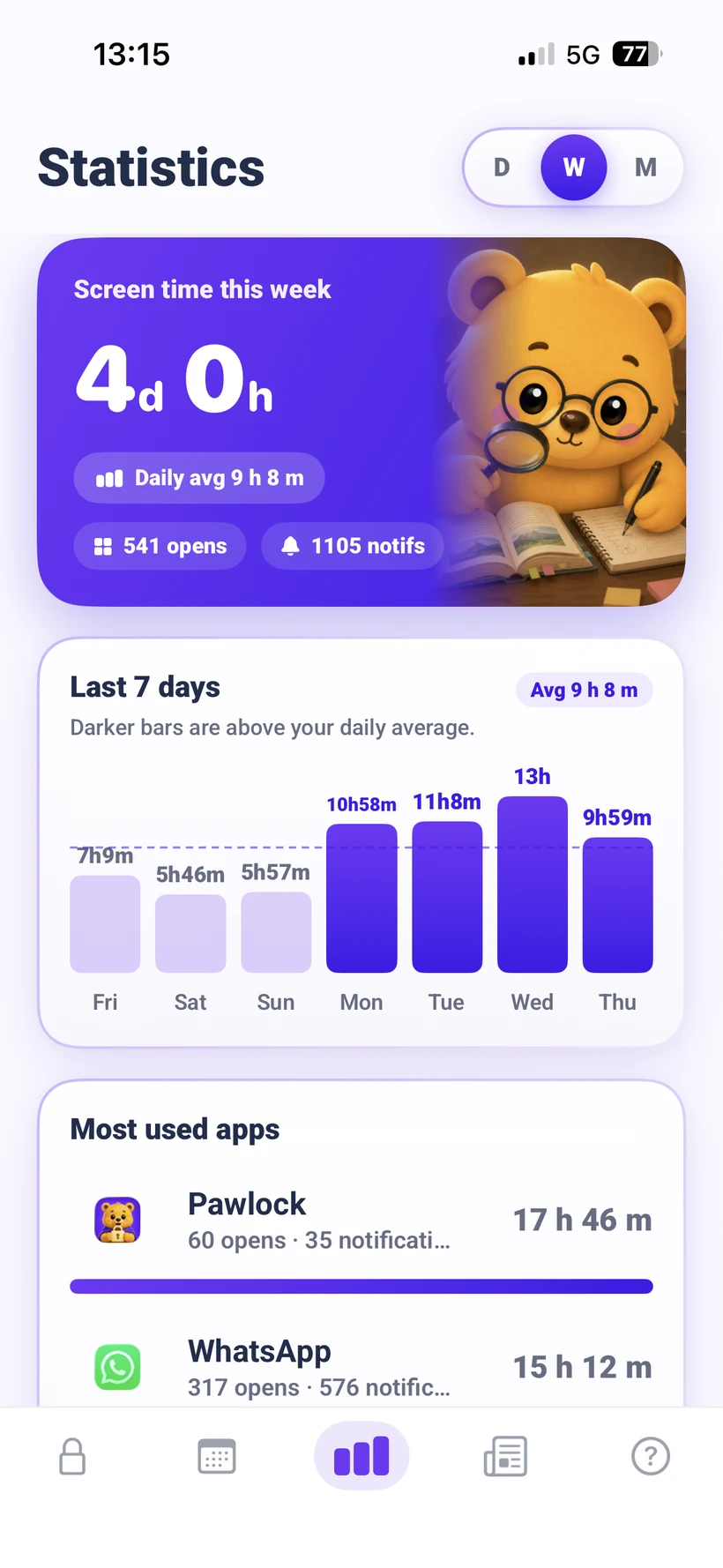
Daily, weekly and monthly usage read from your phone itself. Real numbers from your device, not estimates.
Websites too
Distraction isn't only apps. Block websites and entire categories alongside them, in the same lock.
Private by default
Screen Time usage data stays on your device. Firebase processes product analytics and crash diagnostics; RevenueCat manages purchase status. No Pawlock account is required. See our Privacy Policy.
Live countdowns
Follow every lock through a mascot-led Live Activity on the Lock Screen and a compact countdown in Dynamic Island.
Smart daily notifications
Get a useful daily nudge based on your streak, blocked attempts, or weekly focus summary.
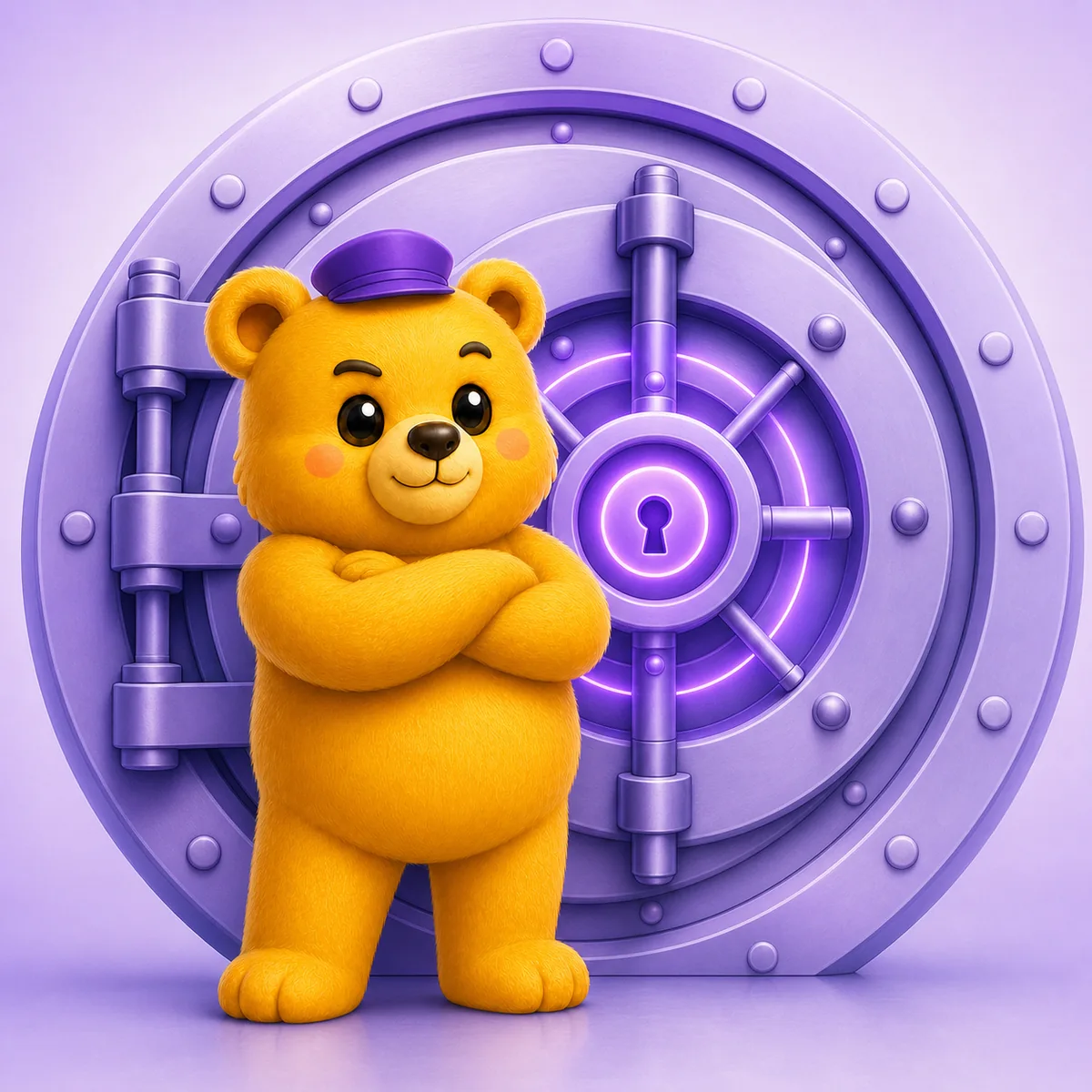
A lock you can't talk your way out of.
Most blockers fold the moment you really want in. Pawlock doesn't. Once a program starts, there is no early exit, no two-tap escape. That's the whole reason it changes your habits.
- ✓ Started programs can't be ended early
- ✓ Built on system-level controls, not a reminder
- ✓ No loophole, no “just this once”
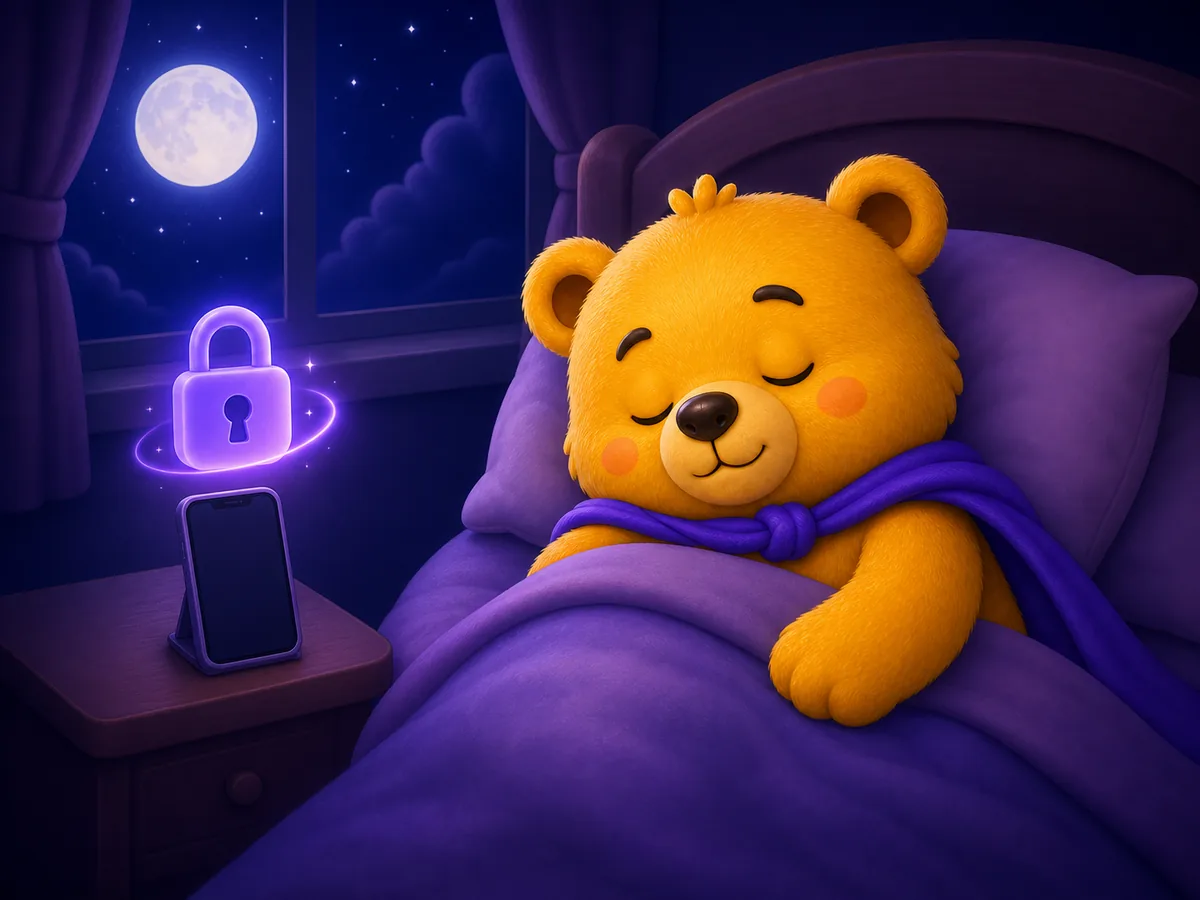
On guard, even while you sleep.
Set your programs once and Pawlock takes over. Every night and every morning it locks right on time. You don't even have to remember.
- ✓ Overnight windows, like 11pm → 7am
- ✓ A notification when each program begins
- ✓ Every day, weekdays or weekends in one tap

See the time you win back
Pawlock shows your before and after: how your usage changes, your busiest hours, and when you tried to open locked apps. Watching the reclaimed hours grow is the best motivation there is.
- ✓ Before and after comparison
- ✓ Your busiest usage hours
- ✓ Reclaimed time, day by day
- ✓ Cut 1 hour a day: 23 waking days back every year
Pro access options
Pawlock 1.0.5 requires Pro access. Eligible users can try monthly Pro free for 7 days, or choose lifetime access with one payment and no trial.
Monthly Pro
7-day trial if eligible- Unlimited instant locks
- Unlimited automatic programs
- App, category and website blocking
- Daily Screen Time statistics
- Weekly and monthly Screen Time statistics
- Yesterday's report every morning
- Full personalized program plan
- Smart daily notifications
- Strict by design
Lifetime access
One-time payment- Unlimited instant locks
- Unlimited automatic programs
- App, category and website blocking
- Daily Screen Time statistics
- Weekly and monthly Screen Time statistics
- Yesterday's report every morning
- Full personalized program plan
- Smart daily notifications
- Strict by design
Frequently asked questions
Can I really not unlock early?
Active scheduled locks cannot be edited, disabled or deleted inside Pawlock before their end time. This depends on Screen Time permission and iOS behavior; it is not a claim that every system-level bypass is impossible.
Where does my data go?
Screen Time usage data stays on your device. Firebase processes product analytics and crash diagnostics; RevenueCat manages purchase status. No Pawlock account is required. See our Privacy Policy.
Why does it ask for Screen Time permission?
Locking apps is only possible through the system's own controls: Apple's Screen Time (Family Controls) on iPhone. The permission is granted to your phone's system and is required for any real blocking to work.
Is Pawlock free?
Pawlock 1.0.5 requires Pro access. Eligible users can try monthly Pro free for 7 days. Lifetime access is a one-time purchase without a free trial or automatic renewal. Check the in-app purchase screen for current price and eligibility.
How do I cancel my subscription?
Through your App Store subscriptions, like any other subscription. If you cancel, Pro stays active until the end of the paid period.
Which devices are supported?
Pawlock runs on iPhone with iOS 18.0 or later and requires Screen Time permission to block apps and websites. To check your iOS version, open Settings > General > About. Check the App Store for current compatibility before downloading.