Pawlock & Science · Views:
How to stop scrolling Shorts and Reels on autopilot
Reduce unplanned short-video sessions while keeping messages and useful videos accessible. Choose one trigger, a viewing boundary and a concrete exit action.
Start with one moment when you often open Shorts or Reels without a plan: finishing work, sitting on the sofa or avoiding a difficult task. Choose a boundary for that moment and decide what you will do instead. You do not need to delete every social app today.

Protect one part of your day
- Name the opening you want to change. Were you answering a message, finding a specific tutorial or simply checking? Pick one recurring situation.
- Choose a small viewing-free window, such as the first half hour after dinner. This is an example for a personal experiment, not an optimal dose.
- Reduce unnecessary prompts before that window: review notifications and move the shortcut away from your home screen. Keep a separate time for essential messages.
- Check YouTube’s current Shorts feed limit in its time-management settings. Its reminder is dismissible, so do not treat it as an unbreakable block.
- Prepare an exit action: put the phone in its usual place, get water or open a saved link to the long video you actually wanted. Make the next action visible before entering the feed.
When messages and learning share the same app
Blocking Instagram can affect messages; blocking YouTube can affect course videos. Save the required link in advance and plan access outside the blocked window. Pawlock does not claim to isolate only Reels inside Instagram or only Shorts inside YouTube. Match the tool to the boundary you actually need instead of assuming every blocker works at feed level.
Adjust a boundary you repeatedly skip
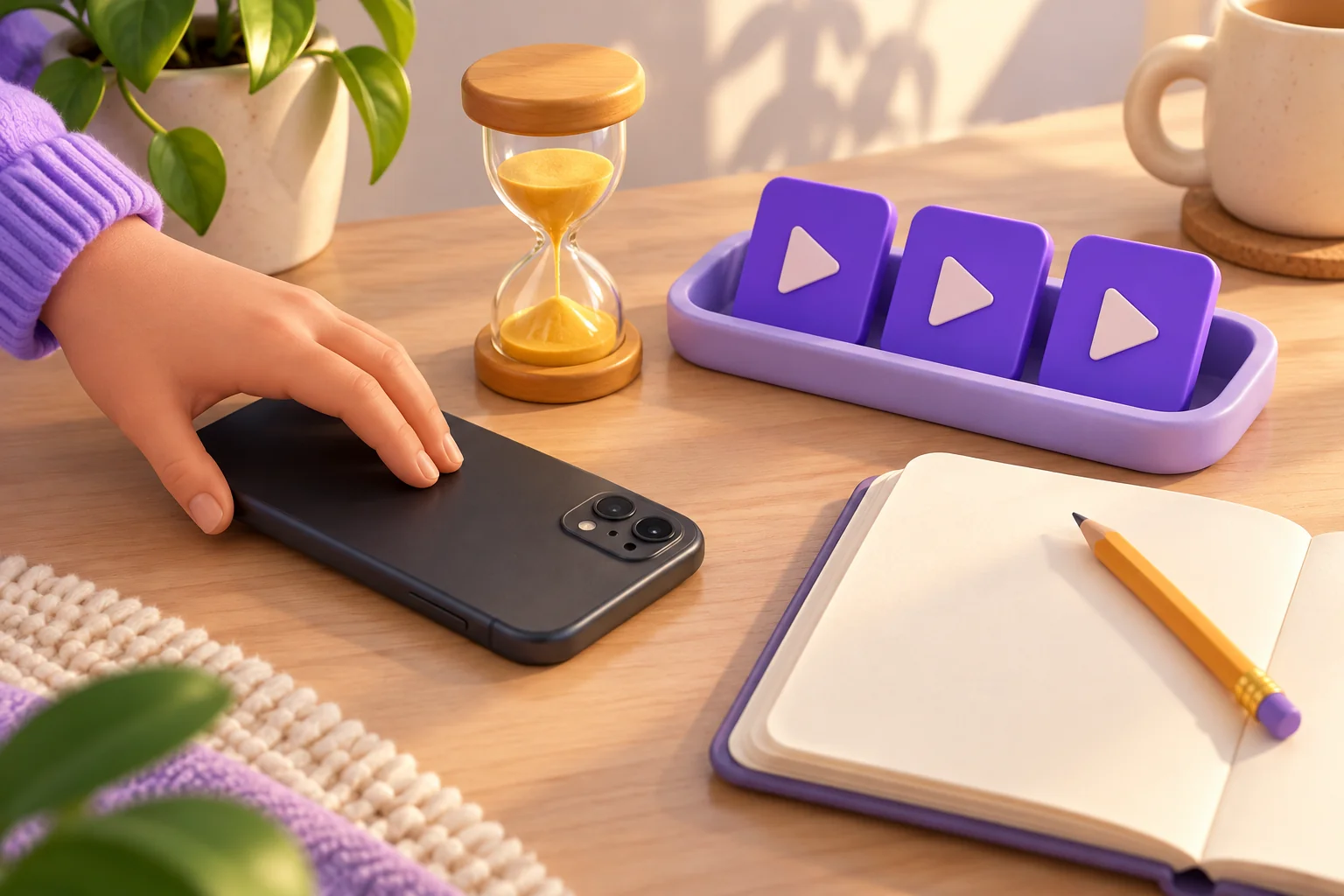
For a week, note unplanned feed openings during your chosen window and any useful communication you missed. If time falls but necessary tasks become difficult, change the window or app selection. If you switch to a different feed, reconsider the need underneath the opening. One longer session does not erase the information from your other days.
Pawlock
Use a Pawlock program to block selected iPhone apps or websites during your chosen window. Keep essential tools outside the selection, use at least 15 minutes for a scheduled test and verify blocking on your device. Screen Time permission is required; no blocker outcome is promised here.
Frequently asked
Will a reminder stop me automatically? A reminder is a cue you can choose to follow. If you regularly dismiss it, change the surrounding routine or use an appropriate app-level boundary.
Must I stop watching all short videos? No. Your goal can be fewer unplanned sessions while keeping viewing you deliberately choose. Define success before measuring it.
Sources
Related reading
How to manage notifications at work without missing essential messages