Pawlock & Science · Views:
How to reduce automatic phone checking
Name a purpose before unlocking, finish one useful task and give the phone a place to return to. A practical plan for checks you did not intend to make.
Before picking up your phone, name one thing you intend to do: find an address, reply to someone or show a ticket. Finish that task, then put the phone back. To reduce automatic checking, start with one recurring moment rather than trying to remove every useful interaction.

Find the moment before the tap
Waiting, finishing an email or getting stuck can become cues to open an app. An observational study found that checking often began without a notification. It does not establish your personal cause or prove that one technique will work for everyone. Notice a few checks today: where were you and what did you need?
Try a small sequence
- Choose one trigger, such as waiting for the kettle.
- Name the purpose before unlocking.
- Complete only that useful task.
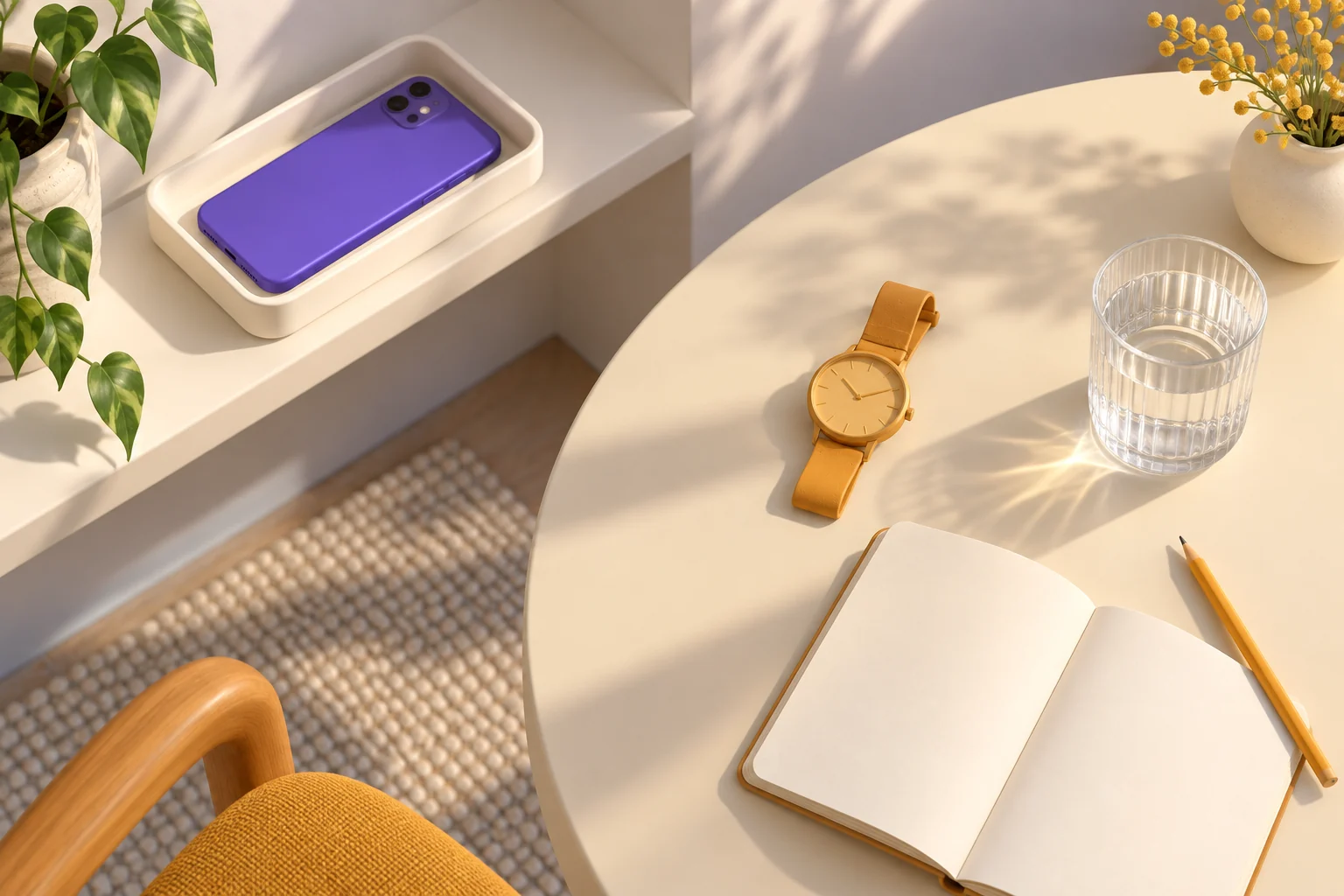
- Return the phone to a consistent place out of easy reach.
- Give the empty moment an alternative: water, a glance outside or a note about your next task.
Keep useful access easy
Maps, tickets, authentication and care messages still matter. If checking the time leads into feeds, use a clock already nearby. Move distracting app icons off the first screen and remove optional badges. After a few days, compare unintended checks and practical inconvenience, not just total screen time.
Add support where you need it
Pawlock offers timed locks and recurring schedules for selected apps and sites. Set the duration before starting and leave essential tools available. It relies on iOS permissions and cannot resolve every cause of checking. See phone-free break ideas for simple alternatives.
Frequently asked
Does frequent checking mean addiction?
A count alone cannot establish that. Purpose, control and effects on daily life also matter; this guide does not diagnose a condition.
What if I catch myself scrolling?
Close the feed when you notice and return to your intended task. Change one trigger or the phone's resting place for your next attempt.